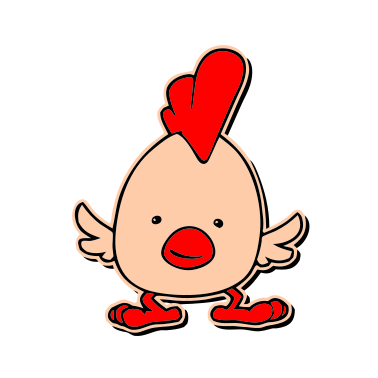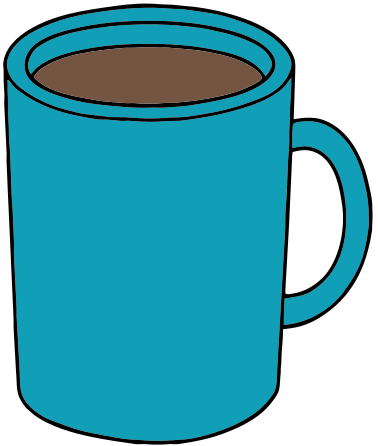

Coffee cup with orange and brown shades: 3 layers.
Download example SVG (7 kB)Download example DXF (102 kB)

Source image: Openclipart, Officina, CC0 1.0.
Turn a PNG into a true vector SVG that Cricut can cut. The shapes are traced and fitted with curves, grouped by color.
Each pair is an actual conversion of a public domain image, with the settings listed under it. You can download the exact files.
Coffee cup with orange and brown shades: 3 layers.
Download example SVG (7 kB)Download example DXF (102 kB)
Source image: Openclipart, Officina, CC0 1.0.
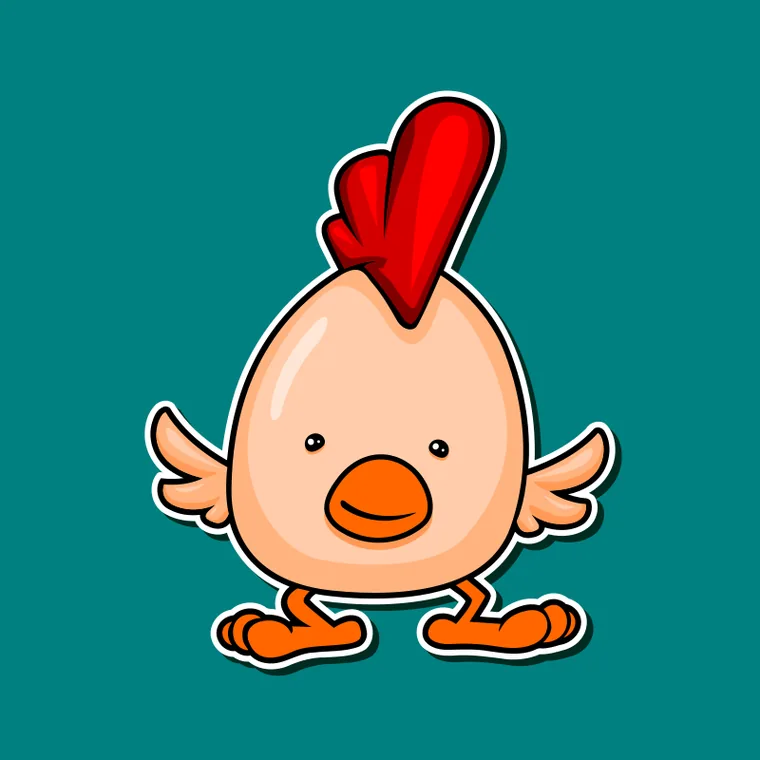
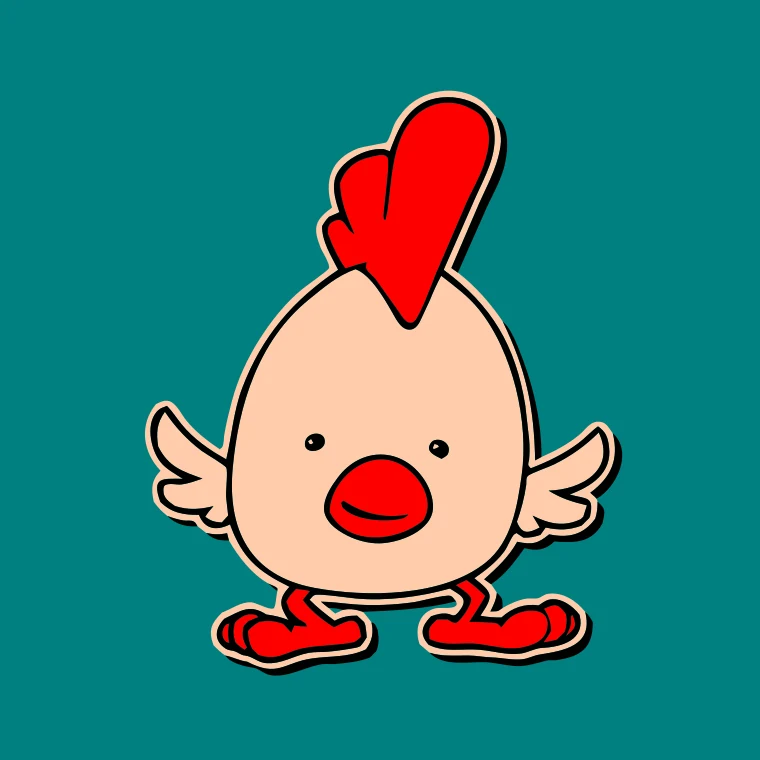
Chick mascot: flat colors turn into clean layers.
Download example SVG (24 kB)Download example DXF (232 kB)
Source image: Openclipart, nugroho, CC0 1.0.
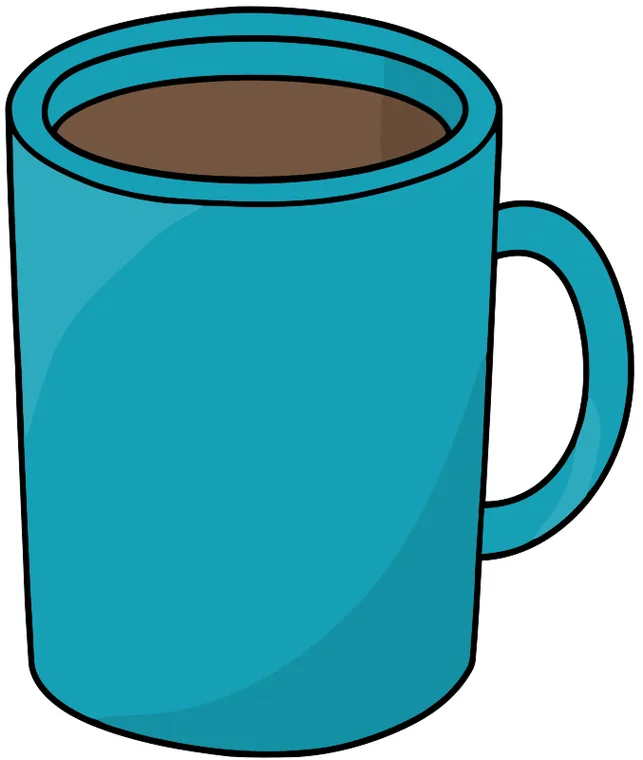
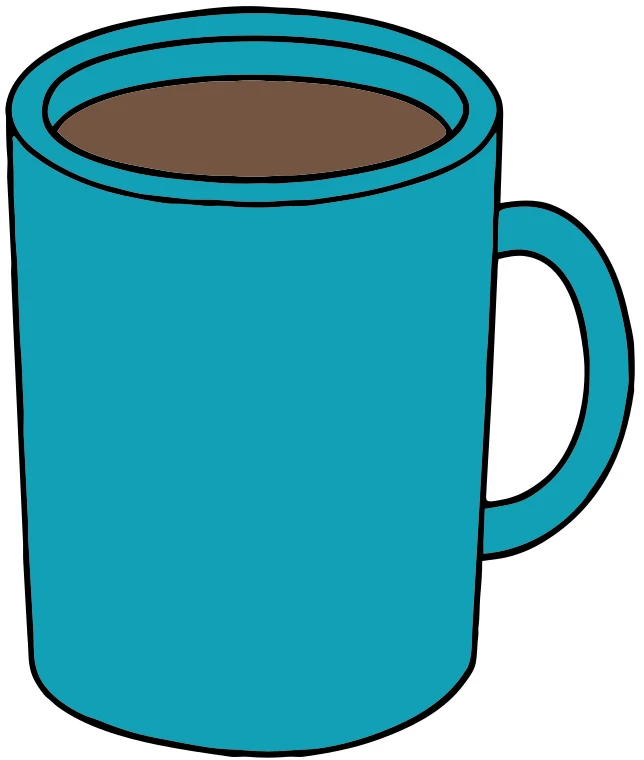
Teal mug with flat colors: 3 layers.
Download example SVG (12 kB)Download example DXF (132 kB)
Source image: Openclipart, j4p4n, CC0 1.0.
Free sample files, not watermarked.
PNGs are usually flat artwork, which suits the Cricut profile well.
Some free converters wrap your PNG in an SVG file: the file ends in .svg but contains the same pixels. Design Space will show it, but it cannot cut pixels, so you get a rectangle or an error.
This converter traces the PNG into outlines, so the SVG contains only paths. You can zoom in as much as you like and the edges stay sharp.
Transparent areas are treated as white background and left out, which is what you want for a sticker or a cutout. If your PNG has a white shape on a transparent background, the white shape will be lost, so place it on a dark background first.
Anti-aliased edges create in-between colors. The color reduction picks the real colors for you, but a screenshot with a blurred edge or a watermark gives rough shapes. Use the original export when you can.
The SVG is made of traced paths with one layer per color, not an embedded bitmap.
Yes. Open it in Inkscape or Design Space and you can move, recolor and delete each shape.
10 MB and 40 megapixels.