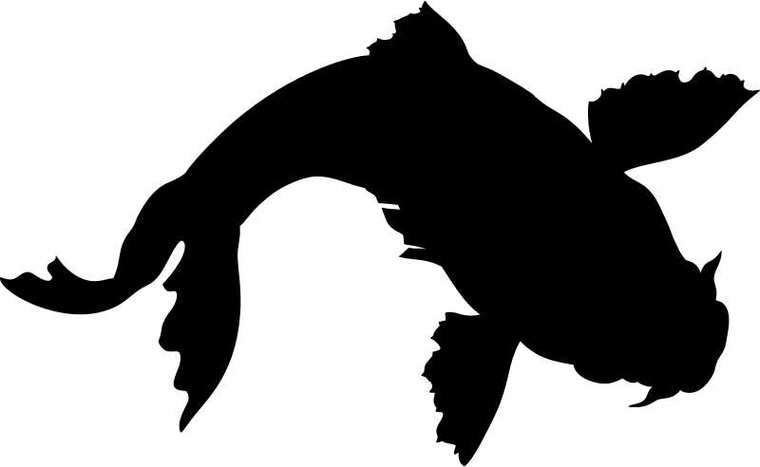
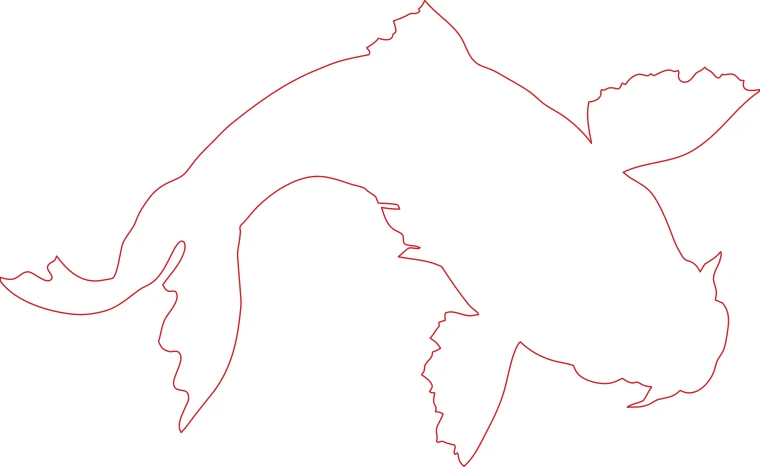
Fish silhouette saved as a quality-55 JPG: the blocky edge becomes a smooth contour.
Download example SVG (8 kB)Download example DXF (96 kB)
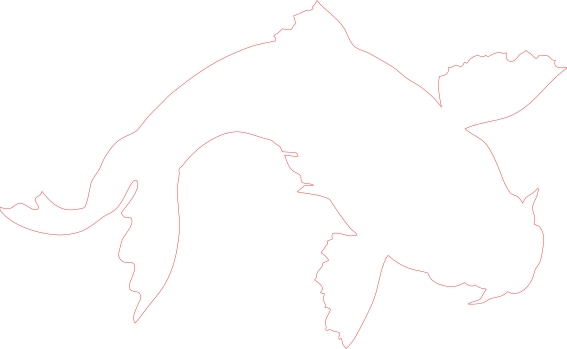
Source image: Openclipart, GDJ, CC0 1.0.
JPG is the format most images come in, and the hardest to trace cleanly. This converter cleans the compression noise first, then outputs a DXF in millimeters.
Each pair is an actual conversion of a public domain image, with the settings listed under it. You can download the exact files.
Fish silhouette saved as a quality-55 JPG: the blocky edge becomes a smooth contour.
Download example SVG (8 kB)Download example DXF (96 kB)
Source image: Openclipart, GDJ, CC0 1.0.
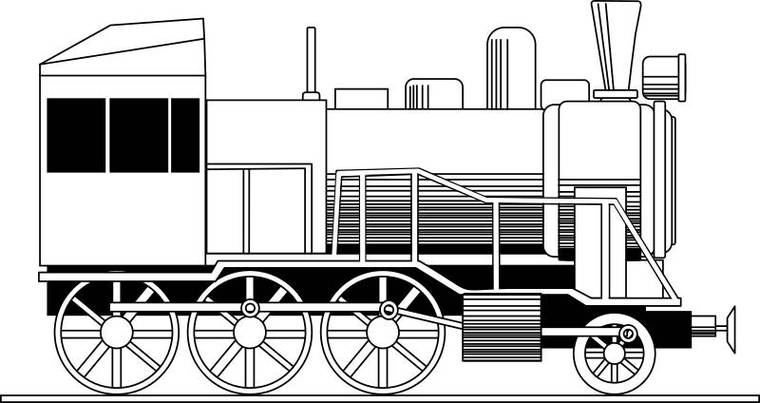
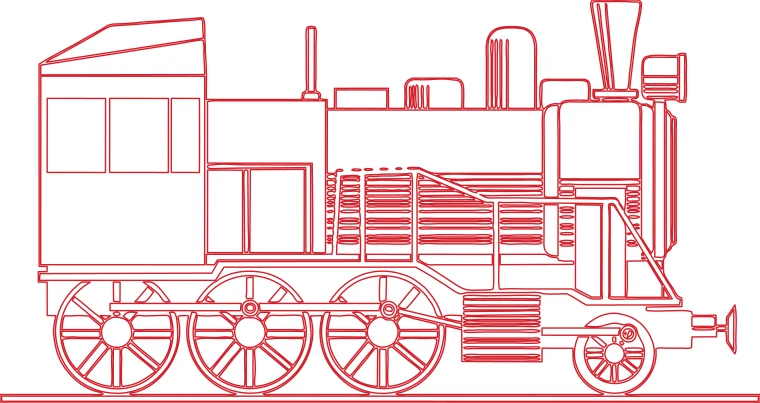
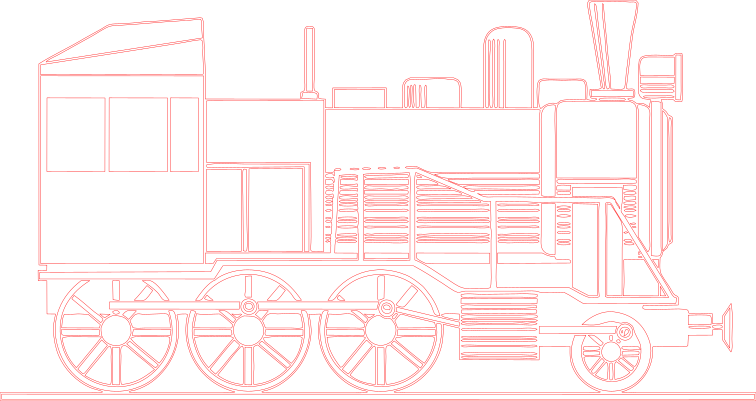
Steam locomotive line drawing saved as a quality-70 JPG.
Download example SVG (75 kB)Download example DXF (536 kB)
Source image: Openclipart, rones, CC0 1.0.
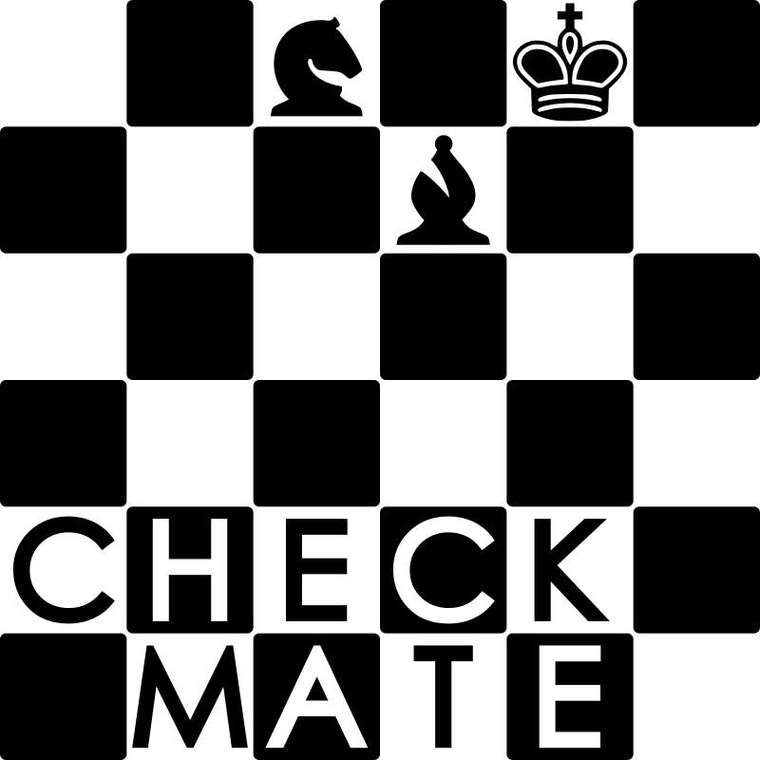
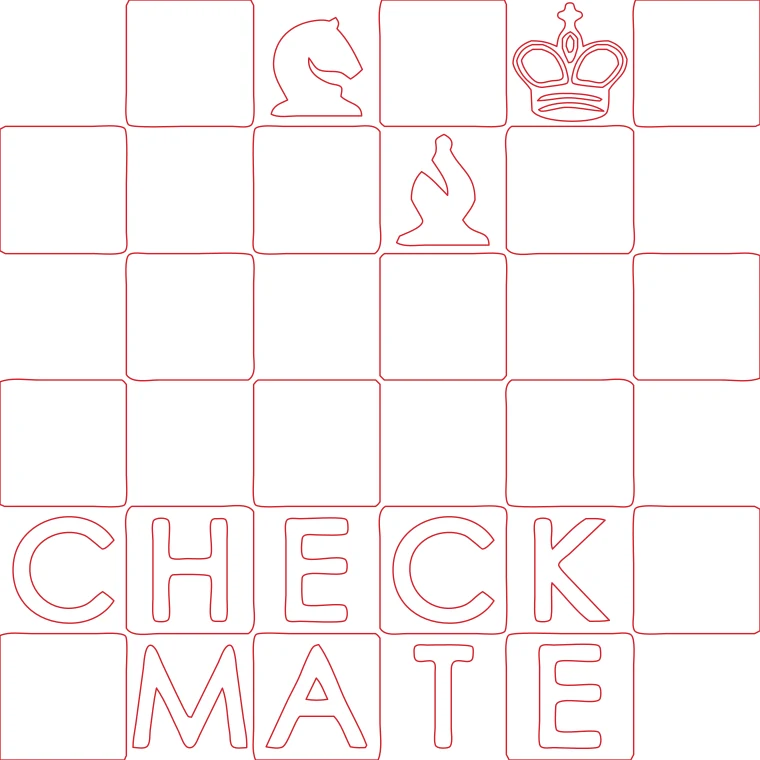
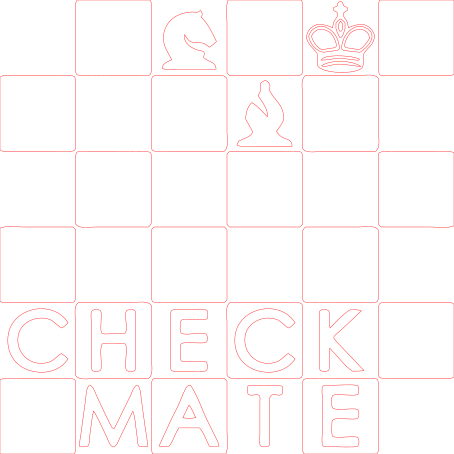
Chess wordmark emblem saved as a quality-60 JPG.
Download example SVG (14 kB)Download example DXF (183 kB)
Source image: Openclipart, DG-RA, CC0 1.0.
Free sample files, not watermarked.
JPG files from the web or a phone are usually the problem, not the settings.
JPEG compression works on small blocks of pixels and throws information away. Around every sharp edge it leaves faint ripples and blocks, called artifacts. A tracer that follows every pixel step turns those ripples into wobbly outlines.
This converter runs the image through AI upscaling before tracing. It smooths the ripples into a clean edge, so the contour follows the shape and not the noise. Look at the example below: the source is a deliberately low-quality JPG, and the outline is still smooth.
It reduces their effect on the outline. A very damaged JPG can still give a rough result; the preview shows it before you pay.
10 MB and 40 megapixels per image.
A DXF is text with coordinates. A detailed drawing can have thousands of points, and an SVG of the same design is smaller.