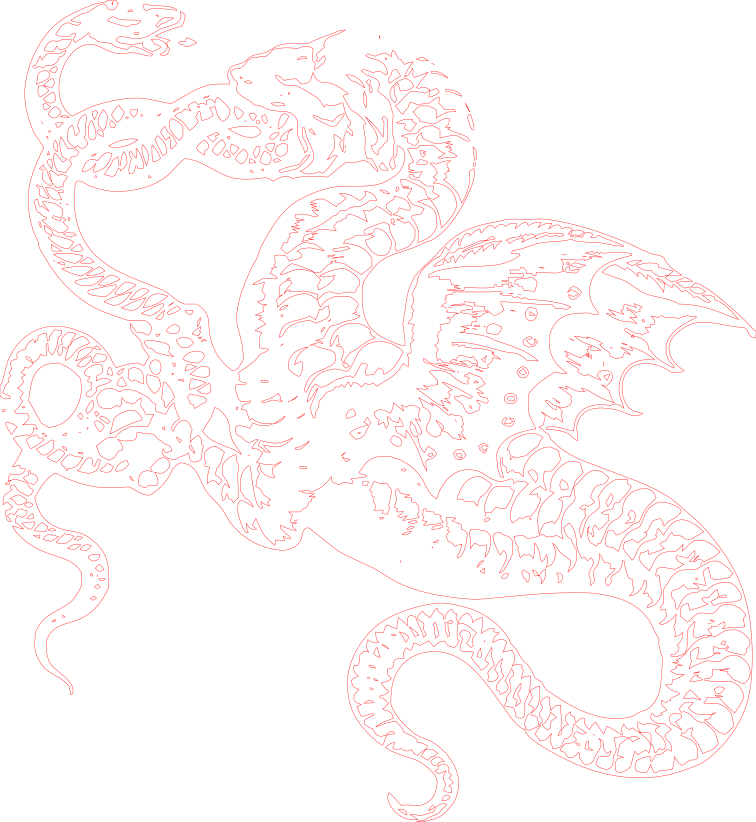
Dragon engraving at 200 mm wide: a very dense drawing, and still a workable file. The table above uses this image at 100 mm.
Download example SVG (141 kB)Download example DXF (1.0 MB)
Source image: Openclipart, Darkmoon-Art, CC0 1.0.
A heavy, laggy file in LightBurn is usually a bad trace. Here is what causes it and how to get a clean vector with far fewer nodes.
Each pair is an actual conversion of a public domain image, with the settings listed under it. You can download the exact files.
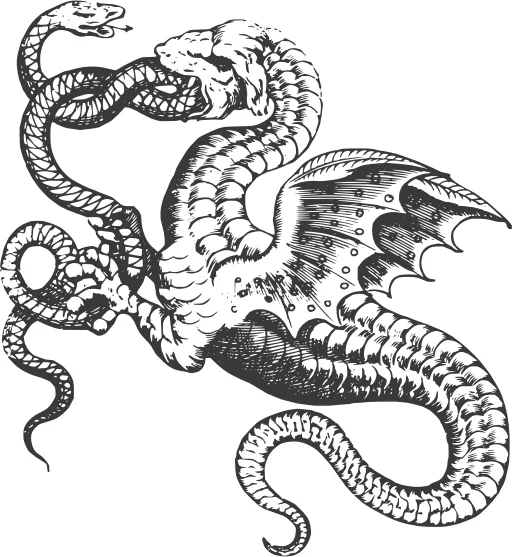
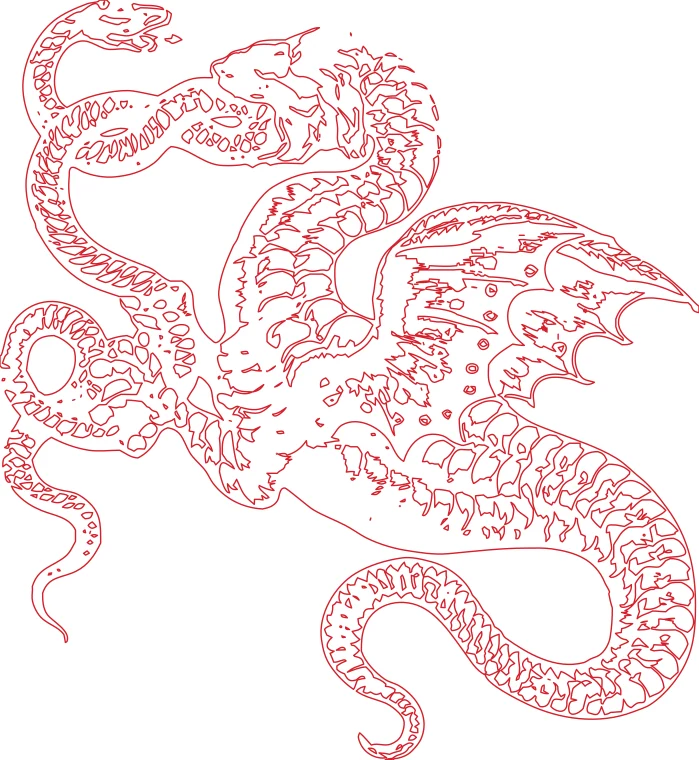
Dragon engraving at 200 mm wide: a very dense drawing, and still a workable file. The table above uses this image at 100 mm.
Download example SVG (141 kB)Download example DXF (1.0 MB)
Source image: Openclipart, Darkmoon-Art, CC0 1.0.
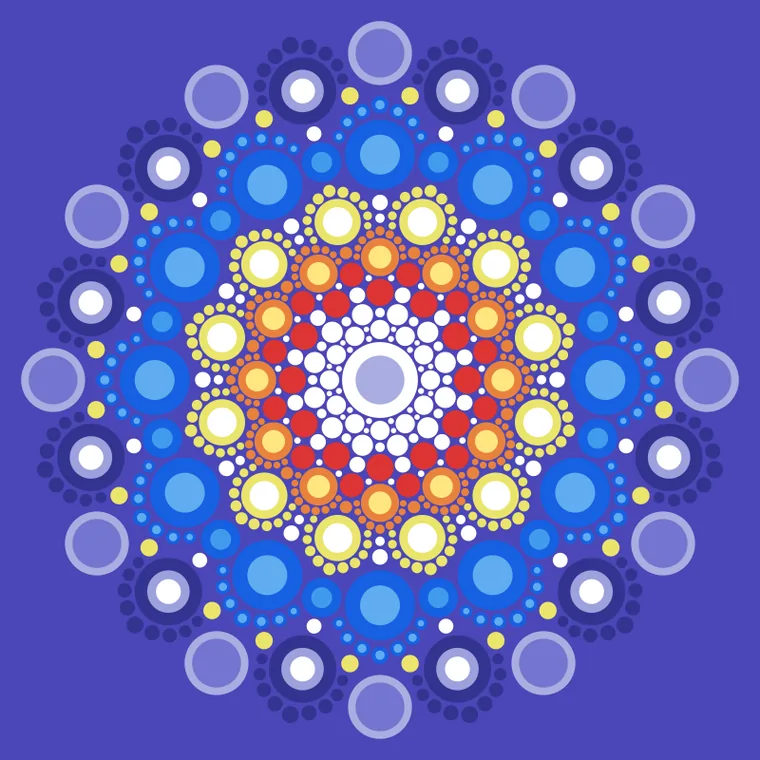
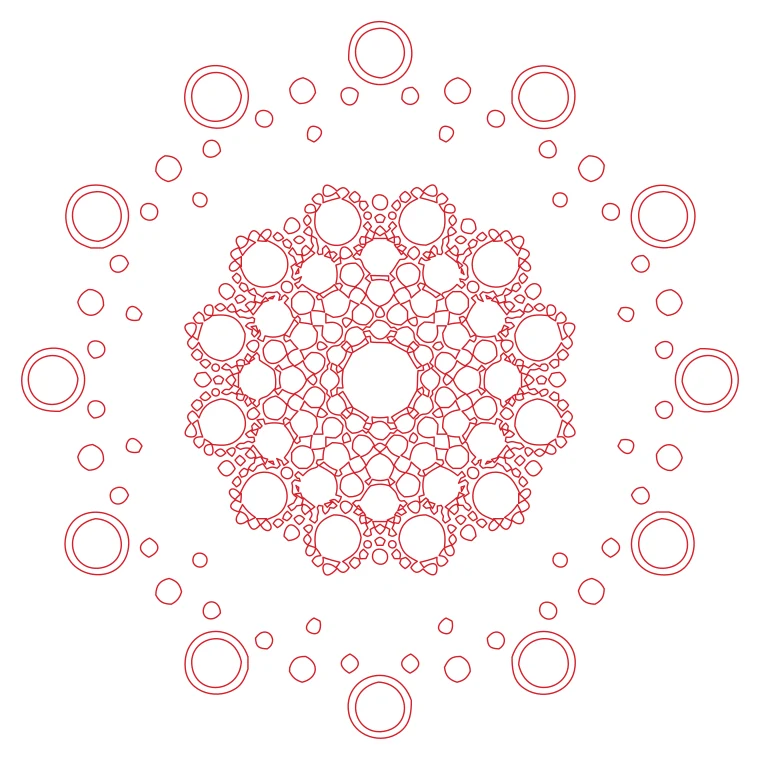
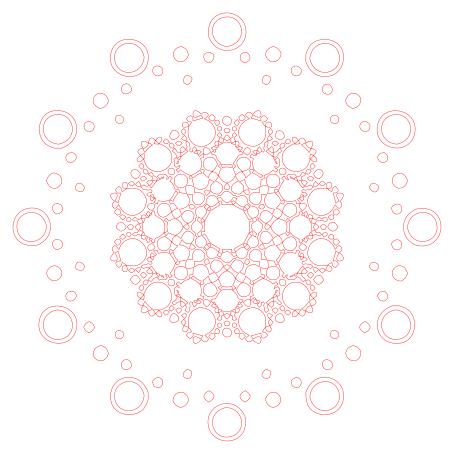
Dot mandala: hundreds of small circles, each a separate closed contour.
Download example SVG (60 kB)Download example DXF (466 kB)
Source image: Openclipart, DG-RA, CC0 1.0.
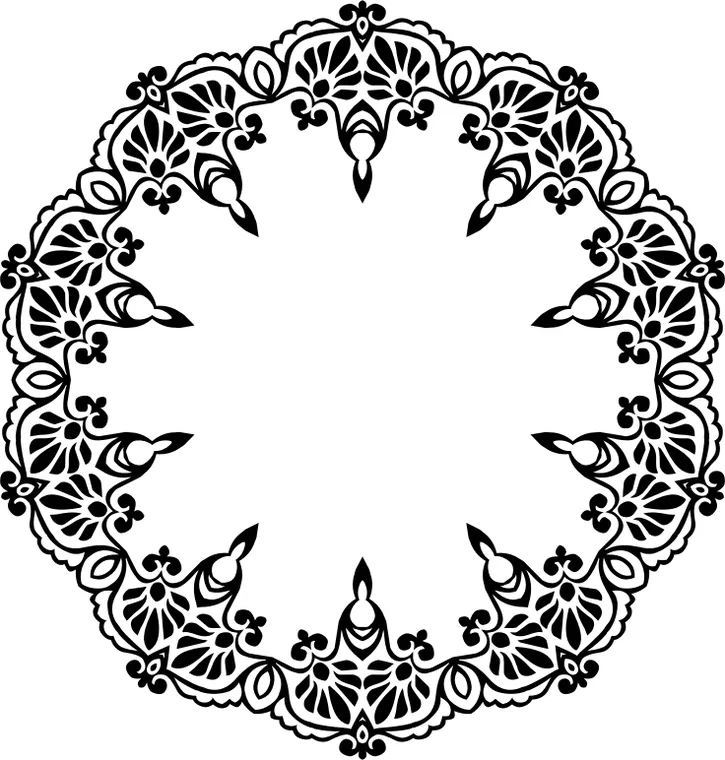
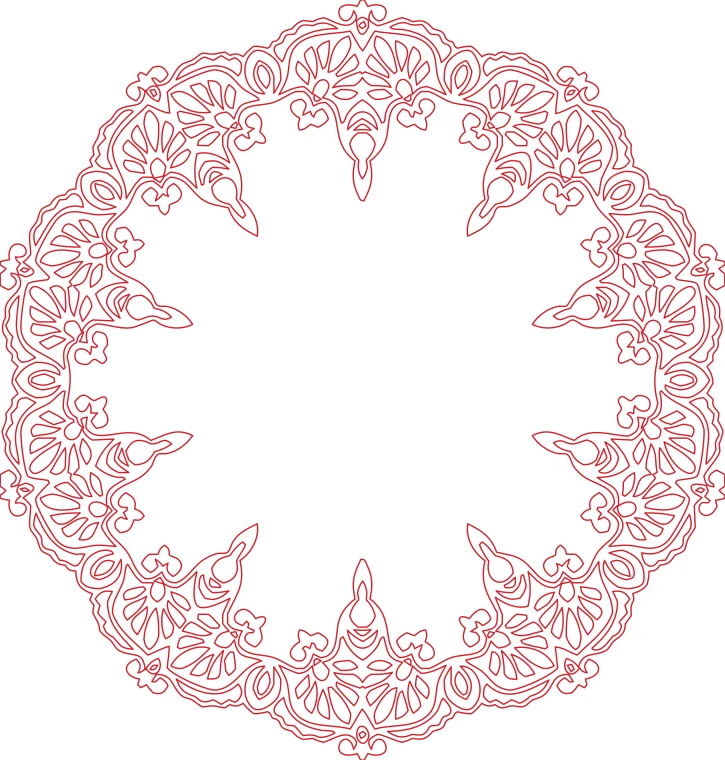
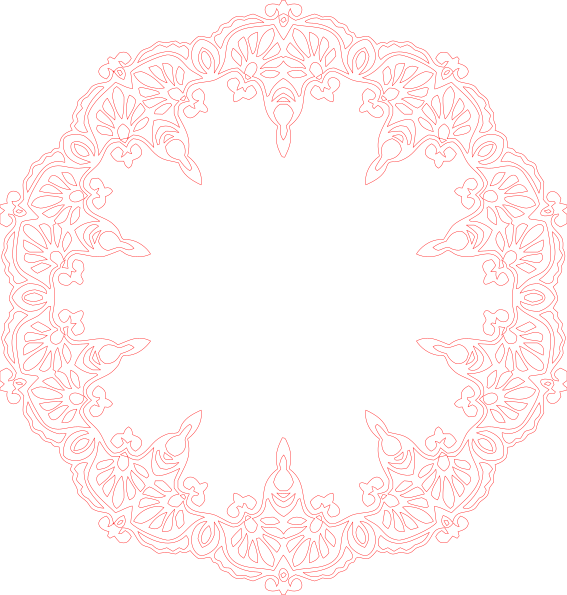
Round lace frame: a fine ornamental pattern with hundreds of small closed shapes.
Download example SVG (75 kB)Download example DXF (786 kB)
Source image: Openclipart, GDJ, CC0 1.0.
Free sample files, not watermarked.
To keep the node count low, change these before you convert.
A bitmap is a grid of pixels. A basic auto-trace follows the grid and puts a node at almost every pixel step, so a smooth circle becomes a staircase of hundreds of points. DXF files made by converting rasters are the worst case: every vertex is a straight segment.
A clean vector works the other way. It finds the corners, then fits a few Bézier curves between them within a tolerance. This converter uses a tolerance of 0.05 mm, and details smaller than the detail option are removed instead of traced.
The image "dragon engraving" at 100 mm wide, converted three times with the laser profile, changing only the detail option. The counts come from the real results. The last row is a reference: the boundary points of the original bitmap, which is what a trace that follows the pixels would place as nodes.
| Detail | Contours | Nodes (SVG curves) | Vertices (DXF polylines) |
|---|---|---|---|
| Low (drops features under 1 mm) | 157 | 3,072 | 17,010 |
| Medium (0.5 mm) | 264 | 3,461 | 19,097 |
| High (0.25 mm) | 407 | 3,812 | 20,837 |
| Reference: one node per pixel step of the 512 px bitmap | – | 21,766 | – |
The SVG keeps curves, so it needs far fewer nodes. The DXF stores every curve as small straight segments (within 0.01 mm), so LightBurn shows more points when it opens the DXF.
There is no fixed limit. If the canvas lags or the G-code is huge, you have too many. A simple logo should have a few hundred at most.
Not if they are fitted well: a curve described by 4 control points is exact. It becomes worse only if the tolerance is too wide.
Yes. The preview shows the number of paths and nodes before you pay.