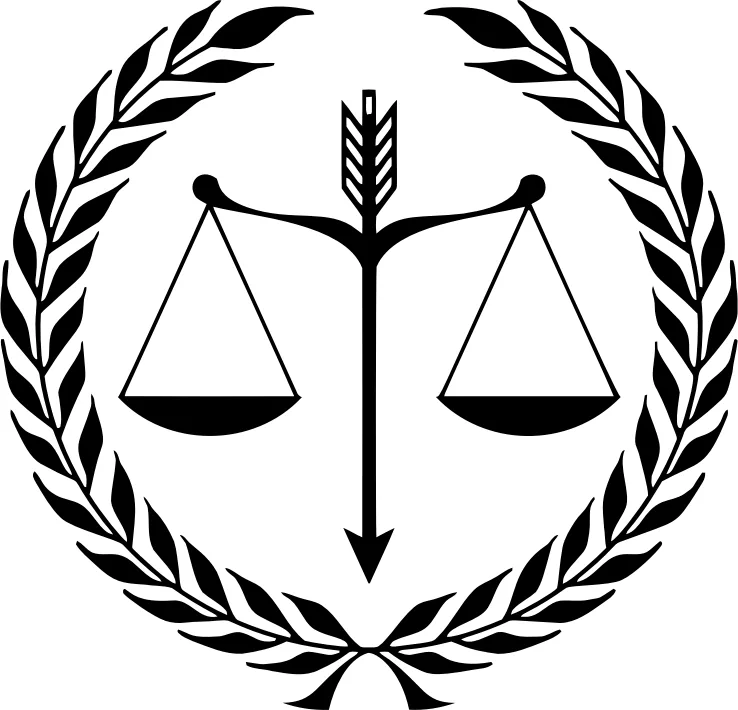
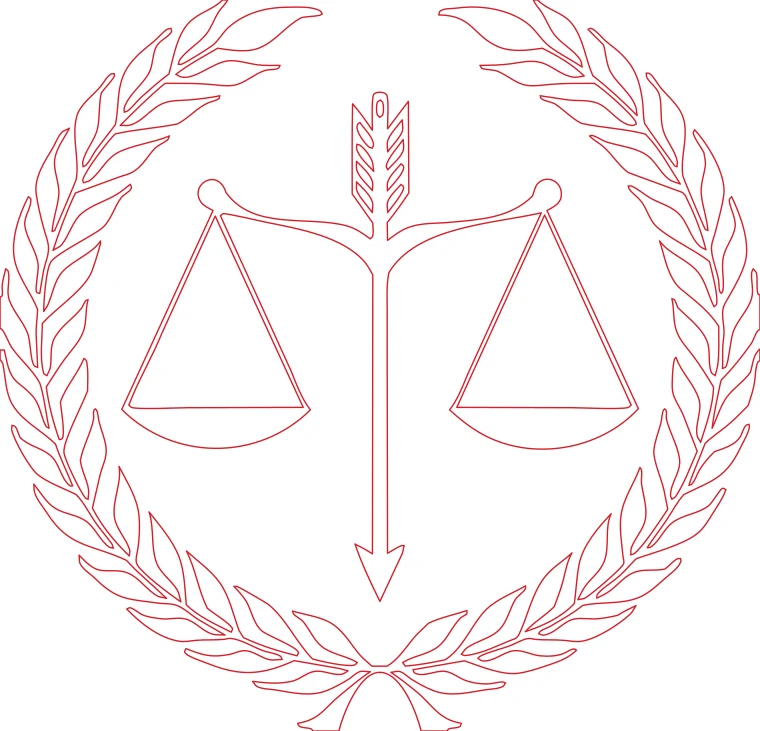
Scales of justice in a laurel wreath: many small leaves, all kept as separate closed shapes.
Download example SVG (25 kB)Download example DXF (240 kB)
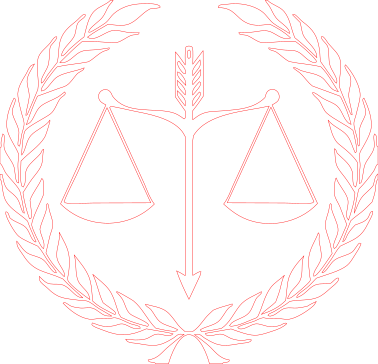
Source image: Openclipart, GDJ, CC0 1.0.
Turn a logo, badge or emblem into a DXF in millimeters for a laser cutter, with advice on the things that go wrong when a logo is cut out of real material.
Each pair is an actual conversion of a public domain image, with the settings listed under it. You can download the exact files.
Scales of justice in a laurel wreath: many small leaves, all kept as separate closed shapes.
Download example SVG (25 kB)Download example DXF (240 kB)
Source image: Openclipart, GDJ, CC0 1.0.
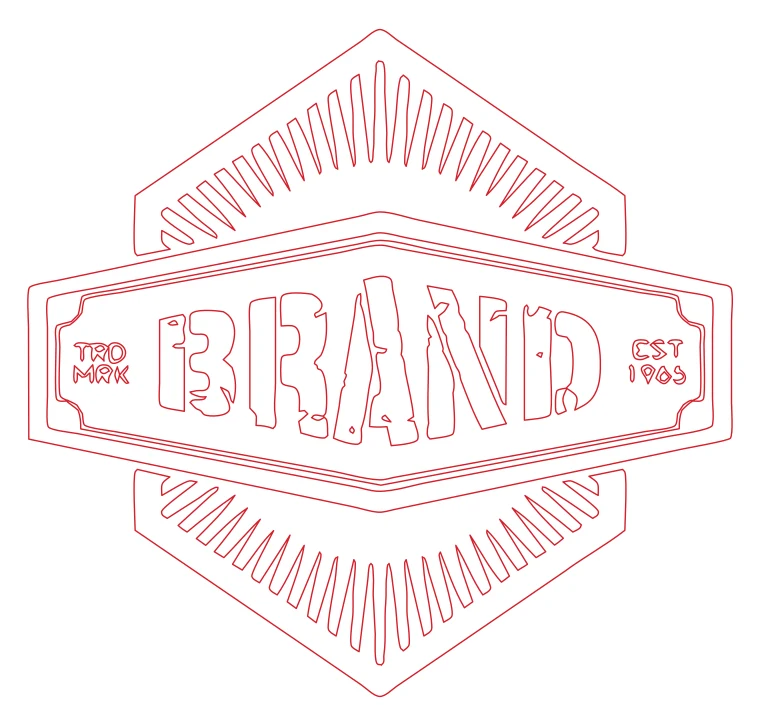
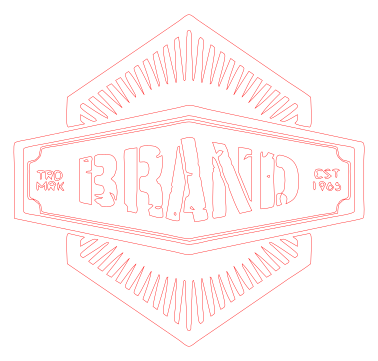
Hexagon badge with sunburst rays: straight edges stay straight.
Download example SVG (26 kB)Download example DXF (205 kB)
Source image: Openclipart, benya82, CC0 1.0.
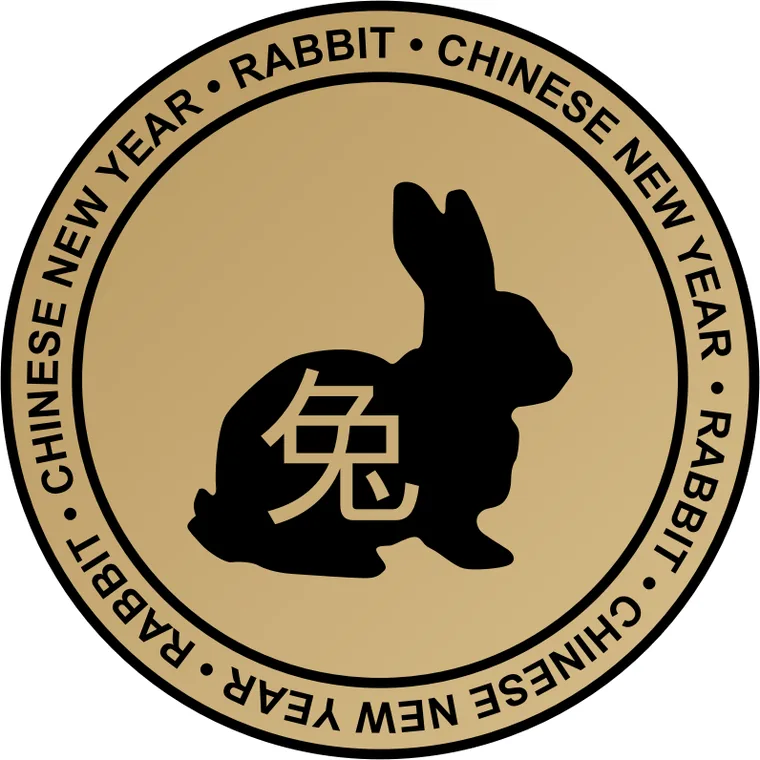
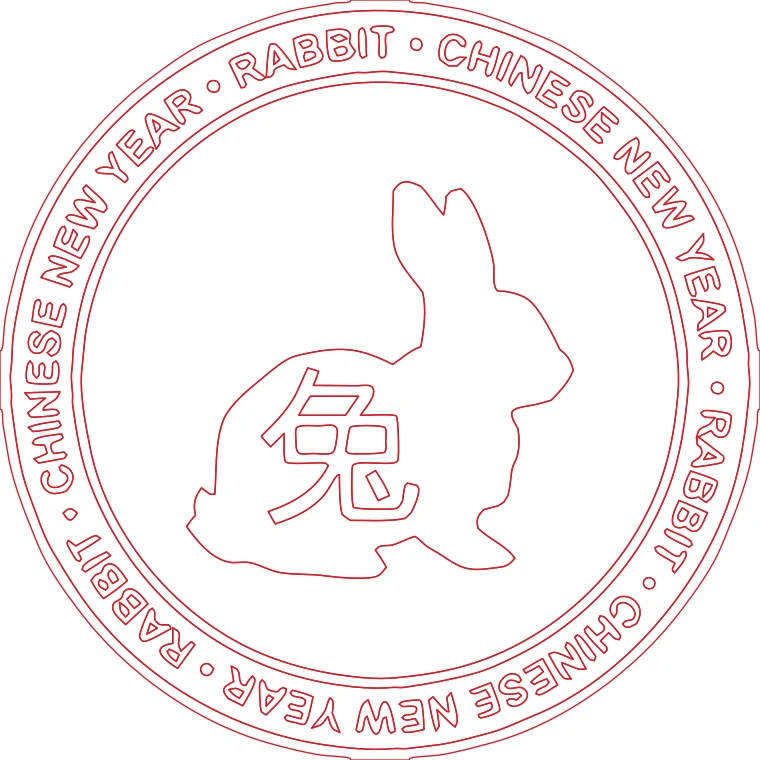
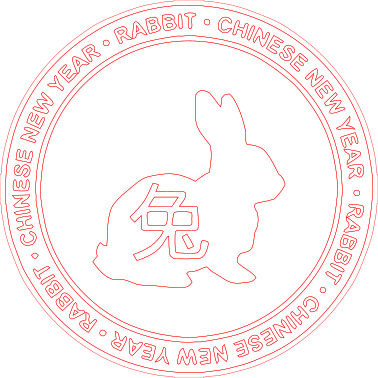
Rabbit medallion converted with 2 colors: the ring and the figure are separate layers.
Download example SVG (71 kB)Download example DXF (573 kB)
Source image: Openclipart, kuba, CC0 1.0.
Free sample files, not watermarked.
A logo is a design with a few flat colors and often text. Start here.
In a cut-out logo, the middle of an O, an A, a B or an e is a separate shape that is not attached to anything. If you cut the outline and the inner shape on the same pass, the middle falls out. That is what you want for a through-cut sign where the hole stays empty, and what you do not want for a stencil.
The converter keeps those inner contours as separate closed shapes, so you can choose in your software which ones to cut and which to delete.
Wood and acrylic break where the material between two cuts is thinner than about 1 mm. Check the narrowest part of the logo at the final size, not on screen. A logo that looks fine at 300 mm wide may have a 0.4 mm gap at 40 mm wide.
With 2 or more colors, the edge between two neighbors is in both shapes, so the laser follows it twice. Fix this in your laser software by deleting duplicate lines, or work with one color and cut a separate piece for each color of material.
Convert your own logo or one you have permission to reproduce. The examples on this page are public domain emblems, not company logos.
It traces the shapes of the letters like any other shape. It does not recognize fonts or give you editable text.
No. Transparent areas are treated as white background and are not traced.
The laser profile gives outlines only. If you need one layer per color with the colors kept, use the Cricut and Silhouette profile instead.